
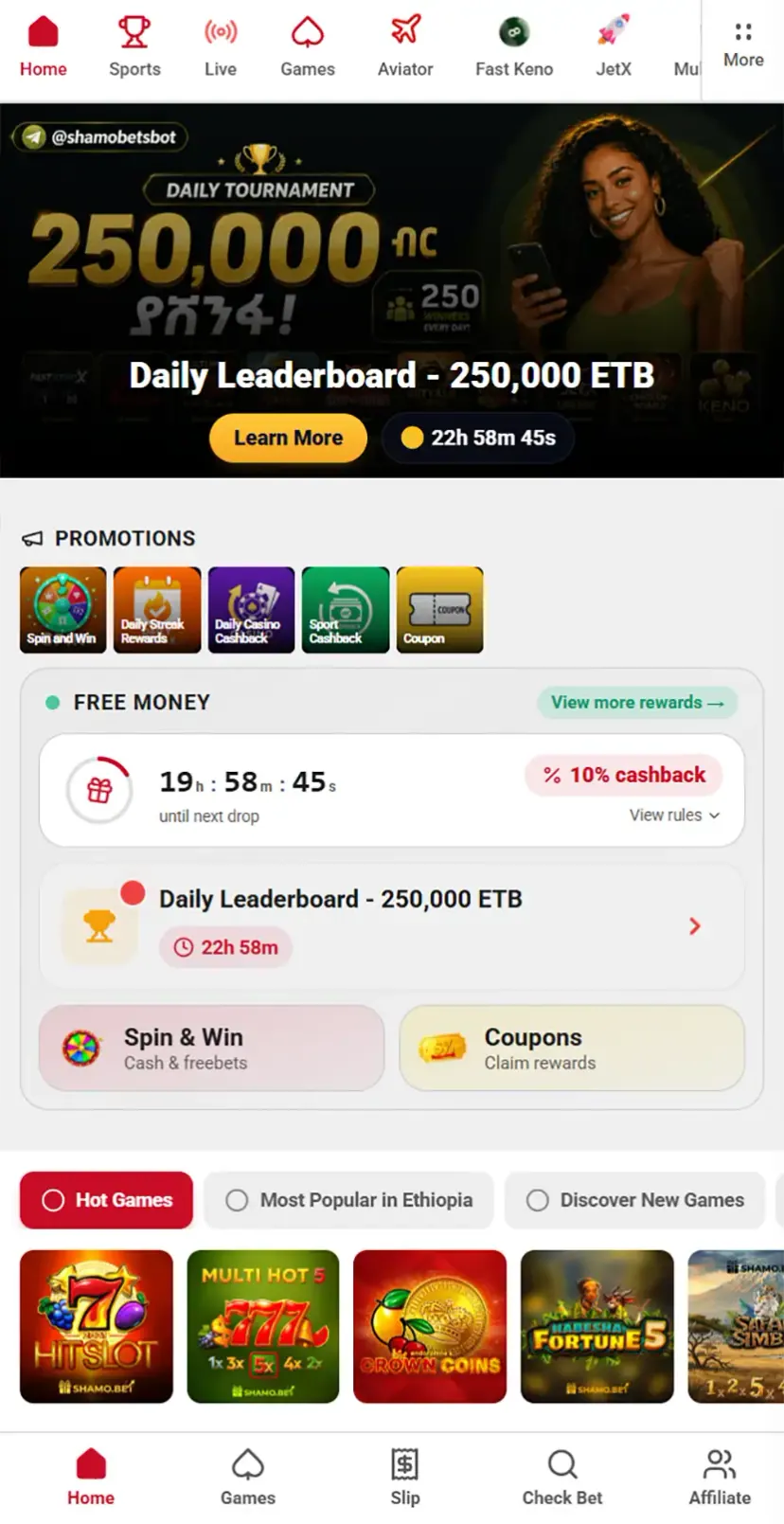
How to Download and Install Shamo Bet in Ethiopia
Shamo Bet is launching a dedicated mobile app for Ethiopian users, giving bettors a faster and more convenient way to access sports betting and casino games directly from their phone — no browser required. Below is everything you need to know to get the app installed on Android and iOS.
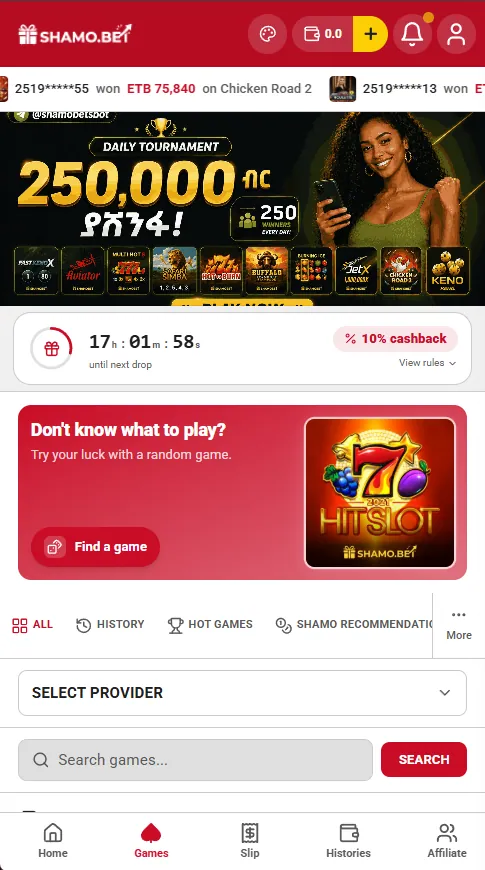
App Overview
| Detail | Info |
|---|---|
| Platform | Android & iOS |
| File size | 54 MB |
| Cost | Free |
| Installation bonus | None currently offered |
| Official site | shamo.bet |
Unlike some competitors, Shamo Bet doesn't currently run a sign-up bonus tied specifically to the app download — bonuses, if available, are tied to account registration and deposits instead, so check the promotions page after you install.
Installing on Android
- Visit the official site. Open your browser and go to shamo.bet. Always download directly from the official website to avoid fake or modified copies of the app.
- Find the download panel. At the bottom of the screen, you'll see a fixed panel with a download button for the app.
- Download the APK. Tap the button — the 54 MB file will begin downloading to your device.
- Allow installation from unknown sources. Since the app isn't distributed through the Google Play Store, your phone will need permission to install apps from outside sources. Go to your device settings when prompted and enable this for your browser or file manager.
- Install the app. Open the downloaded file and confirm the installation.
- Launch and log in. Once installed, the Shamo Bet icon will appear on your home screen. Open it, log in with your phone number, and you're ready to start betting.
Installing on iPhone (iOS)
The process for iPhone users follows the same steps as above: visit shamo.bet, use the download panel at the bottom of the page, download the app, and install it. Once it's on your home screen, log in with your phone number to start playing.
Why Use the App Instead of the Website?
Mobile sites and dedicated apps usually have different strengths:
- Speed. Once installed, an app doesn't need to reload the interface every time—most elements are already stored on the device.
- Ease of access. A home screen icon opens the app with a single tap, eliminating the need to search for a browser bookmark.
- Connection stability. Some apps maintain sessions better and require re-logging in less frequently when switching between Wi-Fi and mobile data.
- Push notifications. A native app can send notifications about bet statuses or match start times—features mobile sites typically lack.
At the same time, the mobile site remains useful as a backup option—for instance, if the device is low on storage space or installation is temporarily impossible for some reason.
A Quick Safety Note
Because the app installs outside the Play Store or App Store, only ever download it from the official shamo.bet domain. Avoid third-party APK sites, which may host outdated or tampered versions of the app.
Frequently asked questions
Can I use the same phone number for both the website and the app?
Yes, you log in to the app the same way—using the phone number linked to your account.
Why isn't Shamo Bet available on Google Play or the App Store?
Google and Apple policies restrict the publication of betting apps in certain regions. This is standard practice for international bookmakers. The Android version is distributed as an APK, while the iOS version is a PWA.
How do I install it on Android?
Open the browser on your phone and go to shamo.bet. At the bottom of the screen, there is a fixed panel with an app download button - tap it. Tapping it will start the download of the APK file. Open the downloaded file and confirm the installation. Once installed, the app icon will appear on your home screen. Open the app and log in using your phone number.
How do I install it on iPhone?
Open shamo.bet in Safari specifically (not another browser), tap the Share icon, then choose "Add to Home Screen."
What is the difference between the new and old versions of the app?
The difference between the old and new versions lies solely in the interface; the platform's entire functionality remains the same.
Does installing the app change how it works?
No. The Shamo Bet App using the same account system and interface as official website.